Listrak
Overview
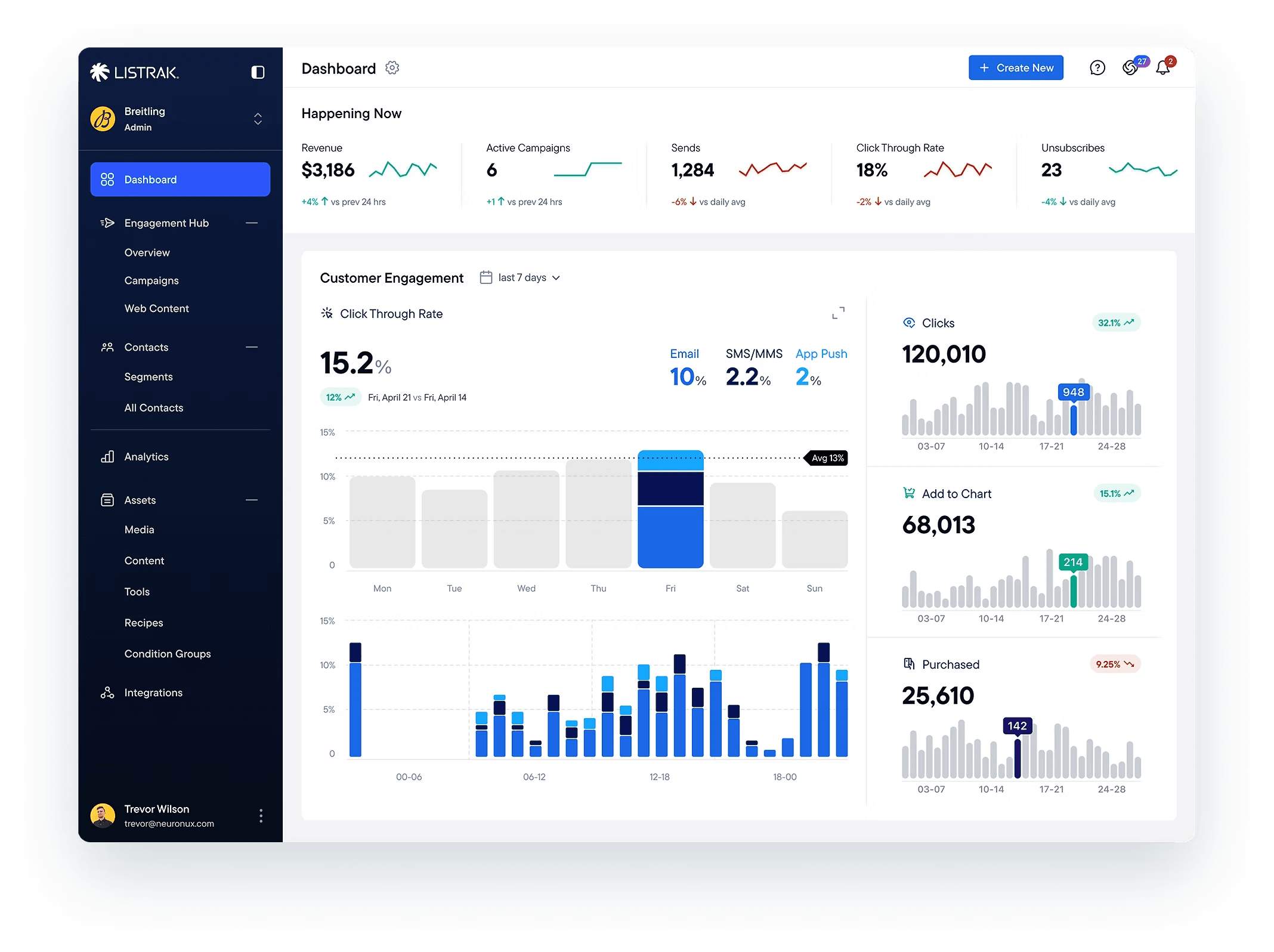
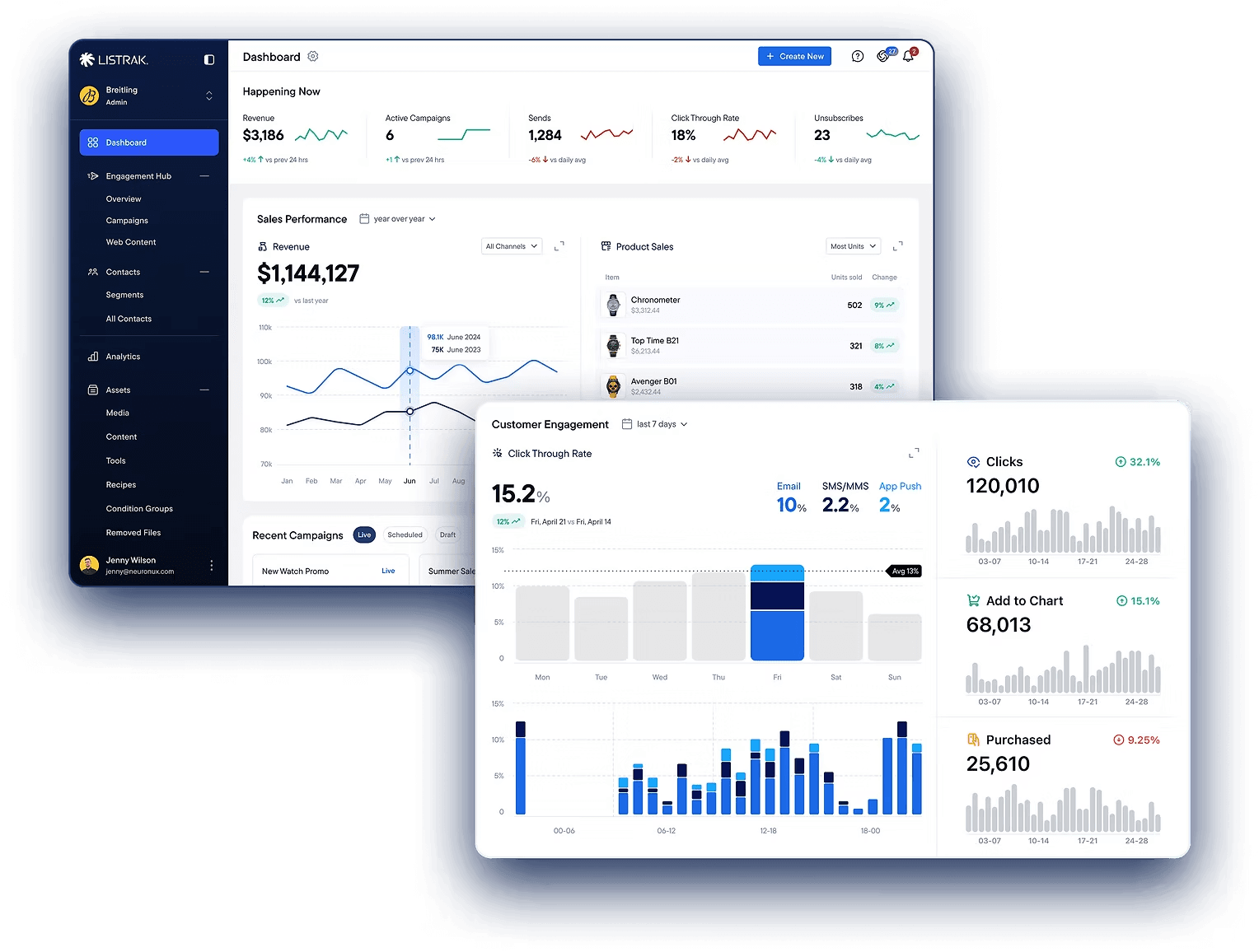
Listrak is an enterprise marketing automation platform used by more than 1,000 retailers and brands to manage customer communication across email, SMS, push notifications, and other channels.
I worked as part of a team of three designers on the redesign of the platform. I was focusing primarily on navigation, feature architecture, campaign workflows, and the automation builder experience.
The goal was not simply to refresh the UI, but to untangle years of accumulated complexity while preserving the flexibility enterprise marketers relied on every day.
Understanding a Complex Existing System
Listrak already had a mature platform with years of business logic, advanced workflows, and deeply interconnected features. One of the biggest challenges was understanding how the system actually worked before redesigning it.
New workflows, dependencies, and hidden edge cases constantly surfaced throughout the project.
We had regular workshops and reviews with stakeholders, internal teams, and domain experts multiple times a week. At the same time, I actively used both Listrak and competing platforms to better understand real marketing workflows and identify opportunities for simplification.
The project quickly became less about visual redesign and more about restructuring complexity into something users could navigate and reason about more naturally.
Redesigning Campaign Automation
One of the largest redesign efforts focused on the campaign automation experience. The original workflow builder had evolved over many years and became difficult to scan, maintain, and expand.
As campaigns grew larger and supported more communication channels, the interface accumulated visual noise and interaction complexity.
I worked heavily on restructuring the automation experience to improve:
- workflow readability
- node organization
- hierarchy clarity
- conditional logic visibility
- contextual editing
- multi-channel orchestration
A major challenge was balancing flexibility with simplicity. Advanced marketers needed powerful automation capabilities, but large customer journeys also had to remain understandable at a glance.
The redesigned builder introduced a cleaner node structure, improved grouping logic, and more predictable interaction patterns that made large workflows easier to manage without limiting functionality.
Users could create automated journeys combining Email, SMS, push notifications, delays, audience splits, conditions, and behavioral triggers within a single visual workflow.
Building Multi-Channel Campaign Workflows
Modern marketing campaigns rarely live inside a single communication channel, but many existing tools still forced users to manage Email, SMS, web push, and mobile push separately.
One of the goals of the redesign was creating a unified campaign workflow where marketers could orchestrate communication across channels from one place.
The challenge was preventing the experience from becoming overwhelming as campaign complexity increased. To improve clarity, we focused on:
- reducing duplicated workflows
- making channel relationships more visible
- simplifying campaign configuration
- keeping actions contextual and easy to scan
This helped marketers manage more sophisticated campaigns while reducing operational friction.
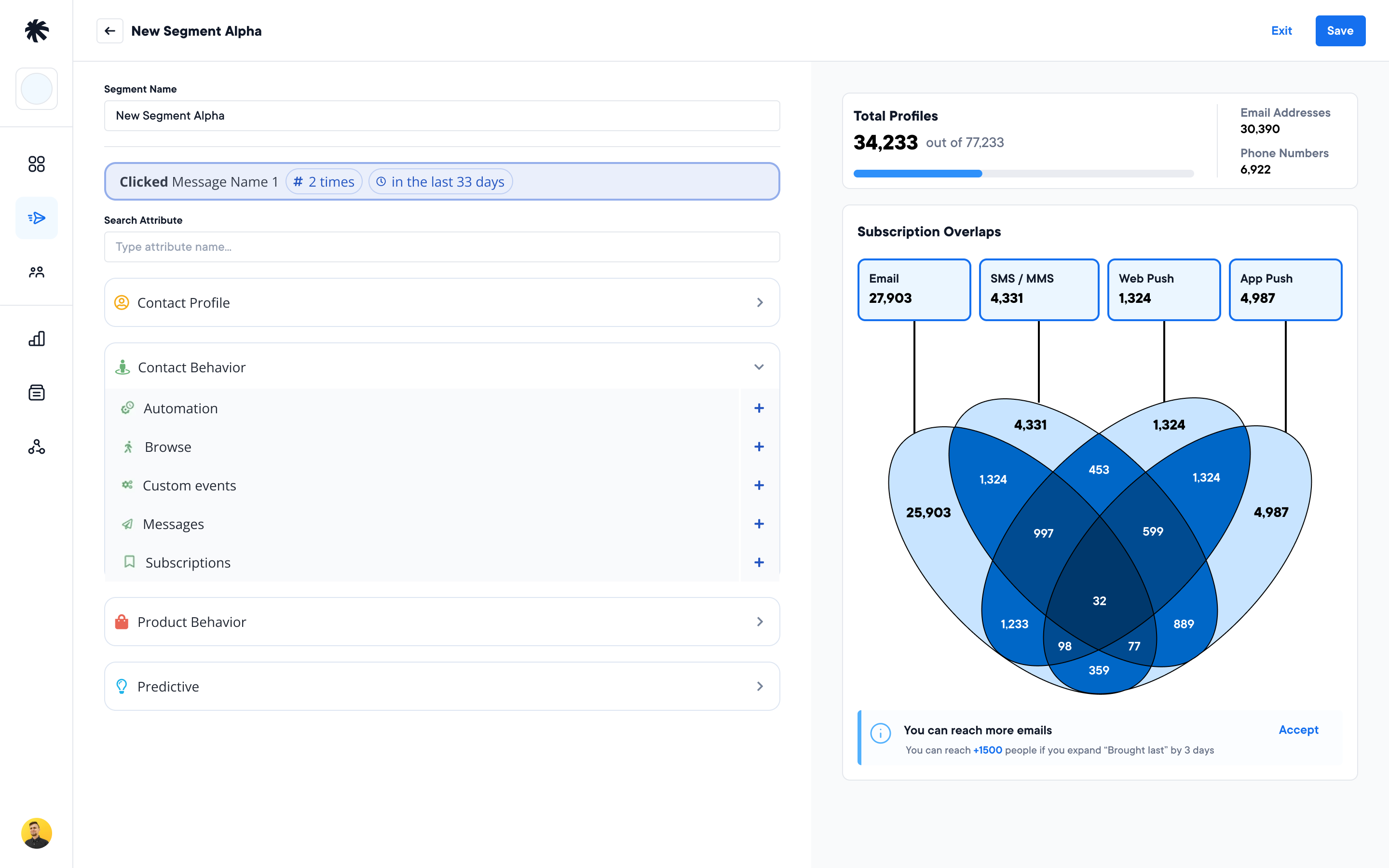
Making Audience Logic Easier to Understand
Audience targeting became increasingly difficult as campaigns expanded across multiple communication channels.
To make segmentation behavior easier to understand, we designed visual tools that showed how audience groups overlapped and how notifications would be distributed across channels.
Instead of forcing users to mentally calculate complex targeting logic, the interface provided a clearer overview of audience intersections and delivery coverage.
This made campaign setup more predictable and helped reduce mistakes in multi-channel communication flows.
Creating a More Flexible Content Experience
Another major area of the redesign focused on content creation and personalization workflows. The new no-code email builder gave marketers a more visual and flexible editing experience without requiring HTML knowledge.
The interface combined drag-and-drop editing, reusable content blocks, configuration panels, and layout controls while keeping the workflow approachable for non-technical users.
I worked on simplifying the overall editing experience while preserving the level of control advanced marketing teams expected.
We also redesigned how dynamic and event-based content was managed inside campaigns. Instead of duplicating entire emails for seasonal promotions or events such as Black Friday, marketers could inject event-specific content blocks into existing campaigns automatically.
This reduced content duplication, simplified maintenance, and created a more scalable personalization workflow.
The system also supported conditional logic and dynamic content, allowing campaigns to adapt automatically based on customer behavior, segmentation, and product data while keeping the editing experience understandable.
Impact
The redesign helped transform Listrak into a more scalable and modern enterprise marketing platform while preserving the flexibility advanced users depended on.
The client was highly involved throughout the project, and many product decisions were shaped through continuous collaboration, workshops, and iterative feedback sessions.
By restructuring navigation, simplifying complex workflows, and modernizing campaign orchestration, the redesign created a stronger foundation for future product growth and improved the overall usability of the platform without sacrificing depth or capability.